
Download NordPass – Secure Password Manager for Windows, Mac, Android & iOS
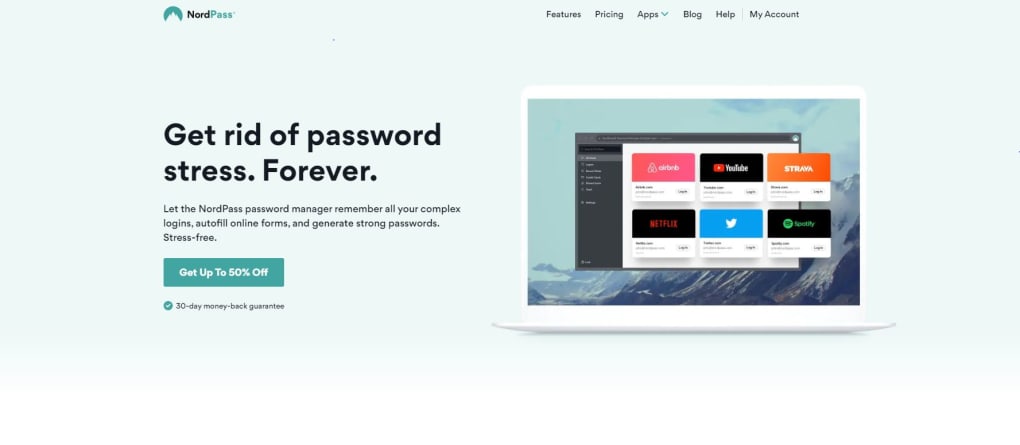
NordPass is the password‑manager created by the team behind the well‑known NordVPN service. Designed with both security and usability in mind, NordPass offers a single vault where you can store unlimited passwords, credit‑card details, secure notes, and even scanned documents. Whether you are working on a Windows PC, a macOS laptop, an Android phone, or an iOS tablet, the app keeps your credentials synced across all devices in real time.
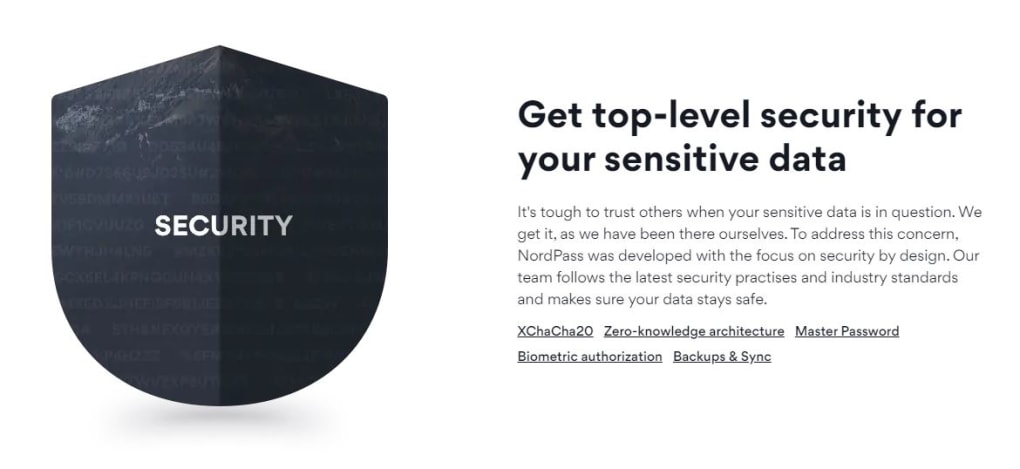
The free tier gives you unlimited password storage and basic autofill, while the premium plans unlock powerful features such as password sharing, trusted contacts, and an advanced password‑health dashboard. What truly sets NordPass apart is its use of the XChaCha20 encryption algorithm combined with a zero‑knowledge architecture: only you ever know the master password that unlocks the vault, and the company cannot see your data. Two‑factor authentication, biometric unlock, and an offline mode further reinforce the security posture.
In short, NordPass aims to be a “set‑and‑forget” solution that protects your digital identity without compromising speed or convenience. This review dives deep into its core capabilities, installation experience, platform compatibility, and the pros and cons that real users encounter day‑to‑day.
Key Features, Pros & Cons, and Frequently Asked Questions
- Secure auto‑save and autofill for passwords across Chrome, Firefox, Edge, Safari and mobile browsers.
- Built‑in XChaCha20‑based password generator that creates cryptographically strong passwords.
- Zero‑knowledge architecture – your master password never leaves your device.
- Two‑factor authentication (2FA) support for an extra layer of protection.
- Biometric unlocking (Face ID, Touch ID, fingerprint) on supported mobile devices.
- Secure sharing of login credentials with trusted contacts.
- Password health dashboard that flags weak, reused, or compromised passwords.
- Credit‑card storage with automatic form filling.
- Secure notes and document storage with OCR scanning for quick import.
- Cross‑platform sync via encrypted cloud backup; works offline as well.
Pros
- Industry‑grade XChaCha20 encryption and zero‑knowledge design.
- Unlimited password storage even in the free tier.
- Intuitive UI that works well on both desktop and mobile.
- Biometric and 2FA options enhance security without extra hassle.
- Family plan makes it affordable for households with multiple users.
Cons
- Free version limits you to a single active device at a time.
- Advanced data‑filtering and tagging features are modest compared with some competitors.
- Premium pricing is slightly higher than a few rival managers.
- No built‑in VPN; you need a separate NordVPN subscription for network privacy.
- Import/export is limited to CSV; no direct integration with some legacy password vaults.
FAQ – NordPass
Is NordPass really free, or does it have hidden costs?
The free tier is completely free with no time limit. It offers unlimited password storage, secure notes, and credit‑card saving, but you can only have one active device at a time and you miss out on password sharing and health reports. There are no hidden fees; premium upgrades are optional.
How does NordPass protect my master password?
Your master password is never transmitted to NordPass servers. It is used locally to derive the encryption key that encrypts your vault with XChaCha20. This zero‑knowledge approach means even NordPass staff cannot view your data.
Can I use NordPass without an internet connection?
Yes. All your encrypted data is stored locally on each device, allowing you to retrieve passwords, autofill forms, and generate new passwords while offline. Syncing resumes automatically when you reconnect to the internet.
What browsers does NordPass support?
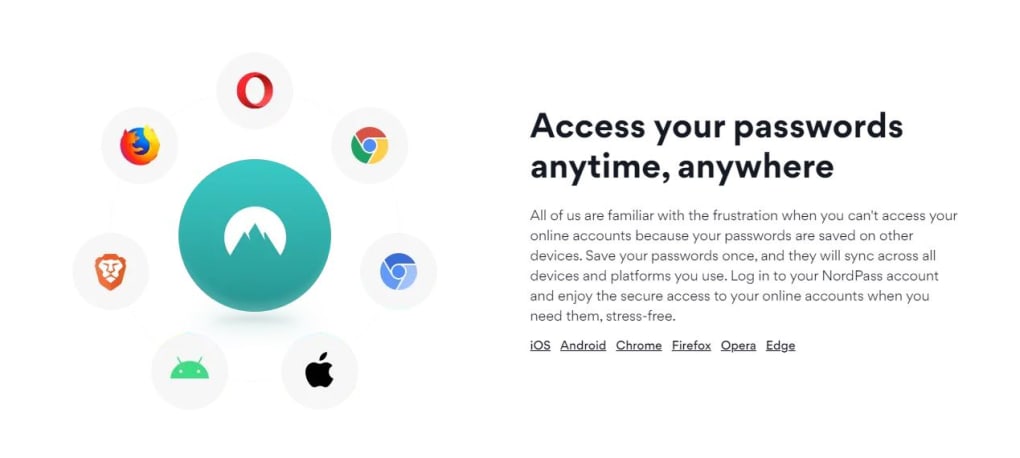
NordPass offers extensions for Chrome, Firefox, Microsoft Edge, Safari, and Opera. The extensions integrate seamlessly with the desktop app to provide autofill and password capture across all major browsers.
Is there a money‑back guarantee if I’m not satisfied?
Both the individual premium plan and the family bundle come with a 30‑day money‑back guarantee. If you cancel within that window, NordPass will refund the full purchase price.
Installation, Compatibility, and Everyday Use
NordPass is available for Windows 10/11, macOS 10.13+, Linux (via Snap/Flatpak), Android 6.0+, iOS 12+, and as browser extensions for Chrome, Firefox, Edge, Safari, and Opera. The desktop client can be downloaded directly from the NordPass website, while mobile versions are available on Google Play Store and Apple App Store. All platforms share a unified cloud‑sync engine, so any change you make on one device appears instantly on the others.
Installation is straightforward. After downloading the installer for Windows or macOS, you run the executable, accept the license, and the app creates a secure vault folder in your user profile. On mobile, the process is a single tap to install, followed by a brief onboarding that asks you to create a Nord account (or log in if you already have one) and set your master password. NordPass then prompts you to enable biometric unlock and optionally configure two‑factor authentication via an authenticator app or email code.
First‑time users are guided through an import wizard that can pull passwords from browsers, other password managers (LastPass, 1Password, Dashlane), or a CSV file. The wizard automatically maps fields, encrypts the data locally, and uploads the vault to the encrypted cloud. Once the vault is populated, the autofill extension appears in the browser toolbar, ready to capture new logins and fill existing ones with a single click. The mobile app mirrors this experience: a tap on a login field brings up a secure overlay showing saved credentials, which you can insert with a tap or use the biometric prompt for instant access.
Everyday use is enhanced by the password health dashboard, which scans your vault for weak or reused passwords and offers one‑click regeneration. The secure sharing feature works via a time‑limited link that requires the recipient’s NordPass account, ensuring that shared credentials never travel in plain text. For families, the Family plan creates separate vaults under one admin account, allowing each member to maintain their own master password while sharing selected items safely.
Performance-wise, NordPass is lightweight. The desktop client uses less than 50 MB of RAM in idle mode, and sync operations typically finish within seconds, even with a vault containing several thousand entries. The app also works in offline mode, letting you retrieve passwords without an internet connection; any changes made offline sync automatically once you reconnect.
Conclusion – Is NordPass the Right Password Manager for You?
NordPass delivers on its promise of secure, user‑friendly password management. Its combination of XChaCha20 encryption, zero‑knowledge architecture, and biometric/2FA options places it among the most privacy‑focused tools on the market. The free version is generous enough for solo users who need unlimited password storage, while the premium plans add collaboration tools and advanced health insights that are valuable for families or small teams. The occasional drawbacks—such as limited filtering and a slightly higher price point—are outweighed by the peace of mind that comes from a vault you truly control.
If you already trust NordVPN’s brand and are looking for a seamless extension of that security ecosystem, NordPass is a natural fit. Its cross‑platform support ensures you stay protected whether you’re on a Windows laptop at work, a macOS desktop at home, or an Android phone on the go. The straightforward installation process and intuitive UI mean you can start safeguarding your credentials within minutes, and the 30‑day money‑back guarantee lets you test the premium features risk‑free.
Overall, NordPass stands out as a solid, reliable password manager that balances strong encryption with everyday convenience. For anyone serious about protecting their digital identity without sacrificing speed or usability, downloading NordPass today is a smart move.
Download NordPass now and enjoy a free trial of the premium features for 7 days. Secure your passwords, simplify your logins, and take control of your online safety.



.png)



